


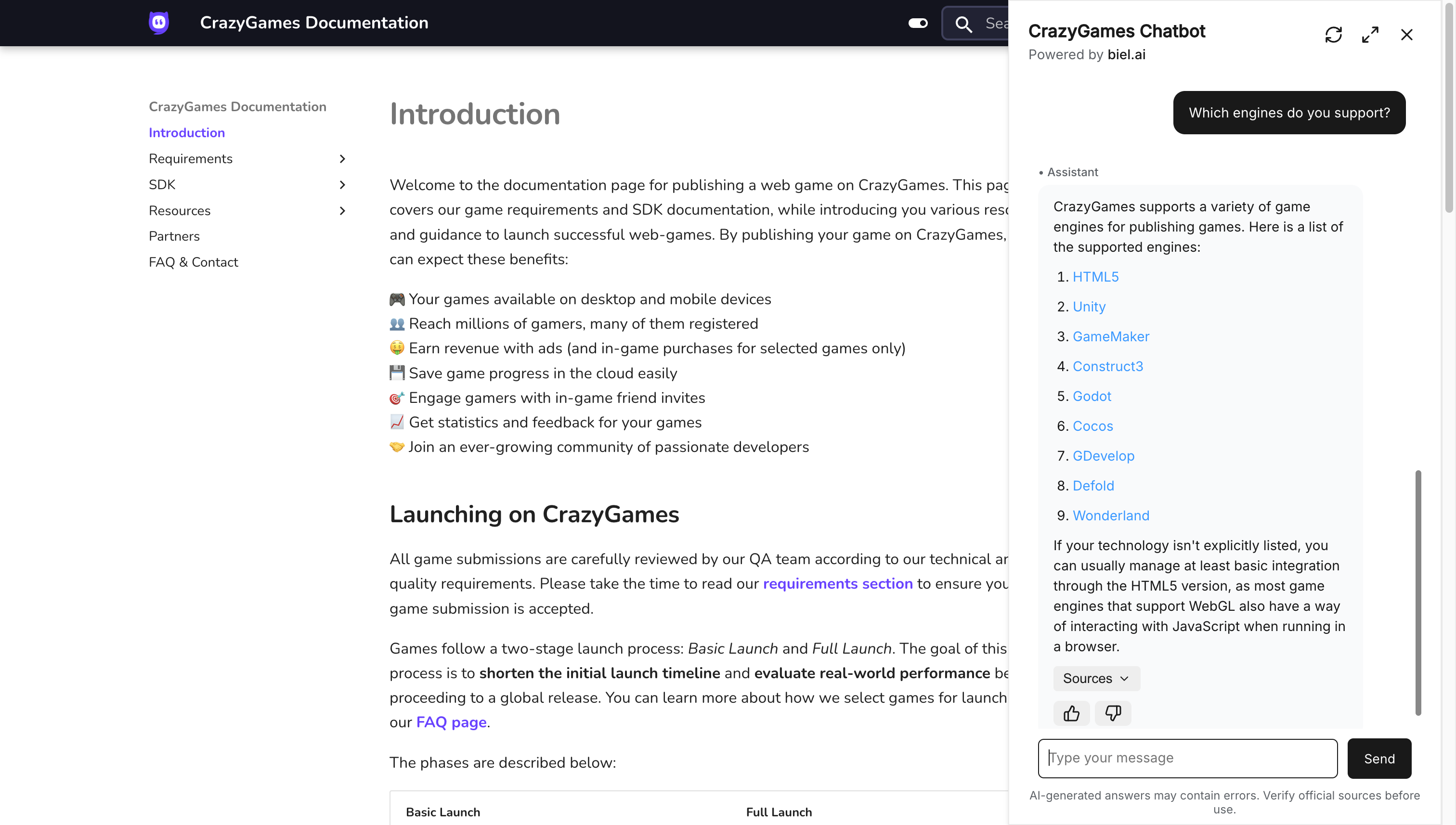
Most teams add an AI assistant to their docs for one reason: answer user questions faster.
That’s a fine goal. But it misses the bigger opportunity.
The real value isn’t answers. It’s visibility.
Every question a user asks reveals something:
A confusing explanation
A missing example
A gap in the product itself
When teams add an AI assistant to their docs, they don’t just get faster support. They get a window into exactly where users are struggling.
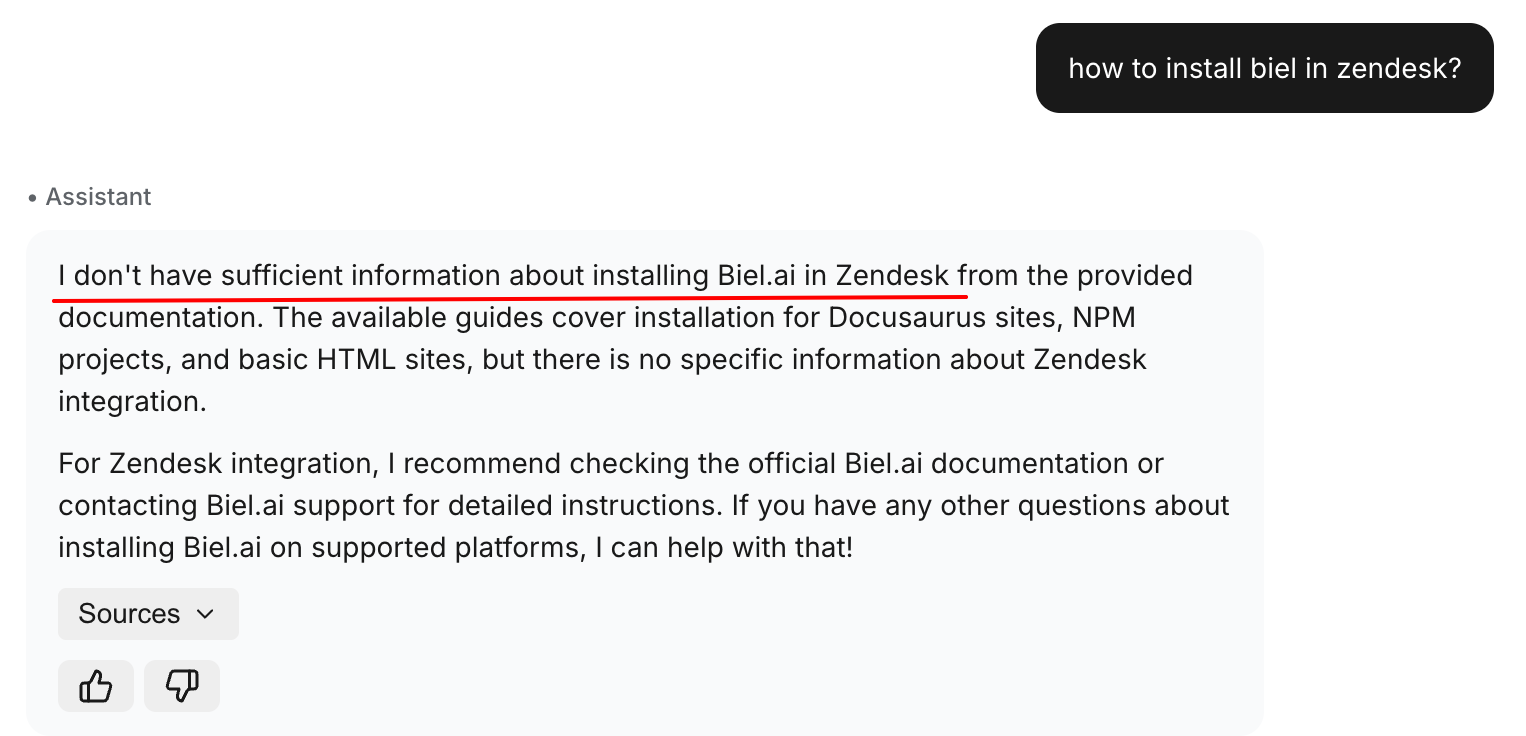
When your AI can’t answer, that’s not a failure. It’s a signal.
That shift changes everything.
From static reference to feedback loop
Traditional documentation is a one-way broadcast. You write it, publish it, and hope it helps.
But when you track what users actually ask, documentation becomes a conversation. You see patterns. You spot the same confusion appearing again and again. You find the blind spots your team never noticed because you’re too close to the product.
Suddenly, your docs aren’t just supporting users. They’re teaching you what to fix.
The insight you’re leaving on the table
If your documentation only answers questions, you’re capturing maybe 10% of its potential value.
The other 90%? It’s in the questions themselves.
Which features confuse people most?
Where do users get stuck in onboarding?
What terminology doesn’t land?
With an AI assistant, that data exists. Most teams just aren’t collecting it.
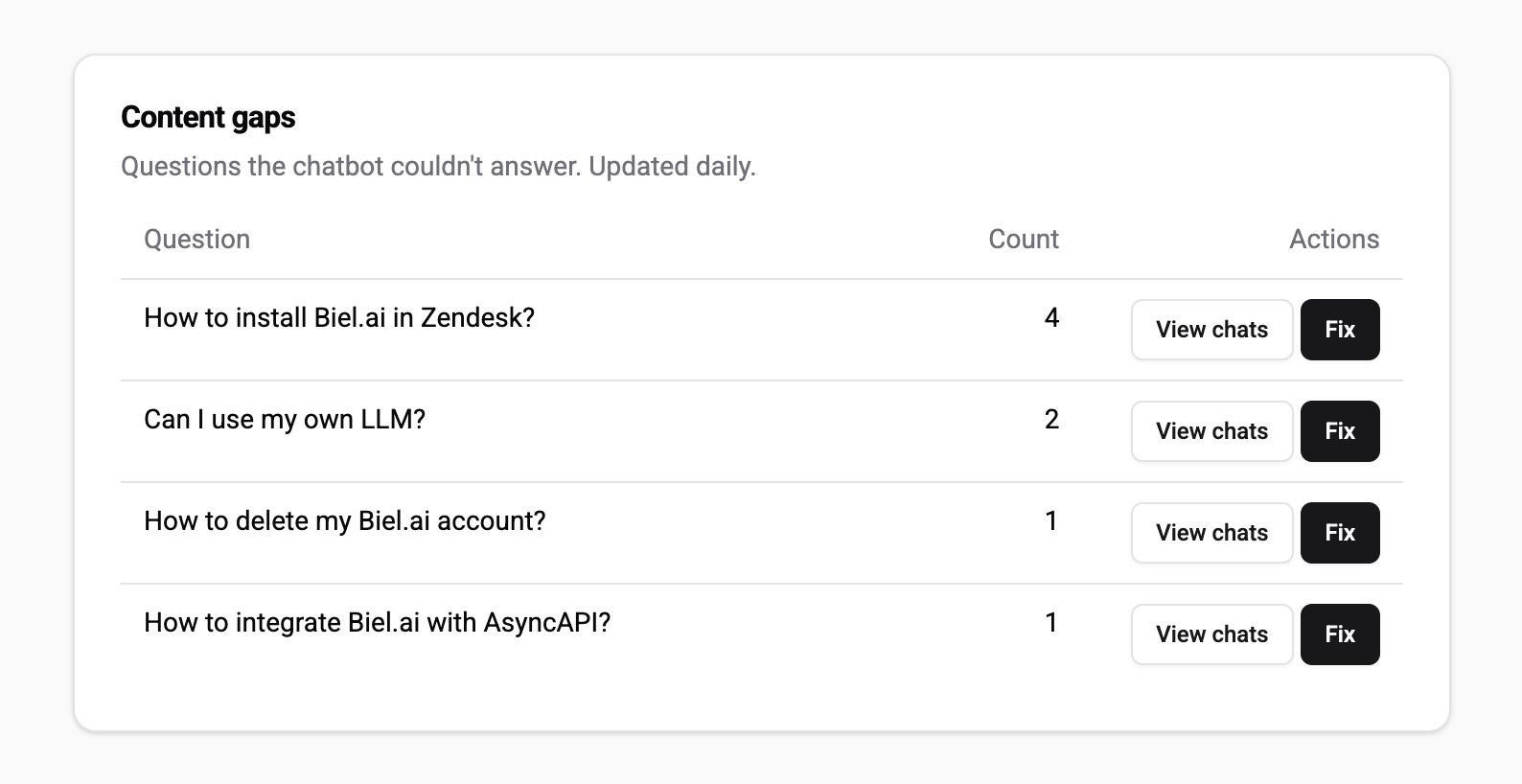
A good AI assistant surfaces which questions your docs can’t answer, ranked by frequency.
From insight to action
Knowing where the gaps are is only half the problem. Fixing them is where most teams stall.
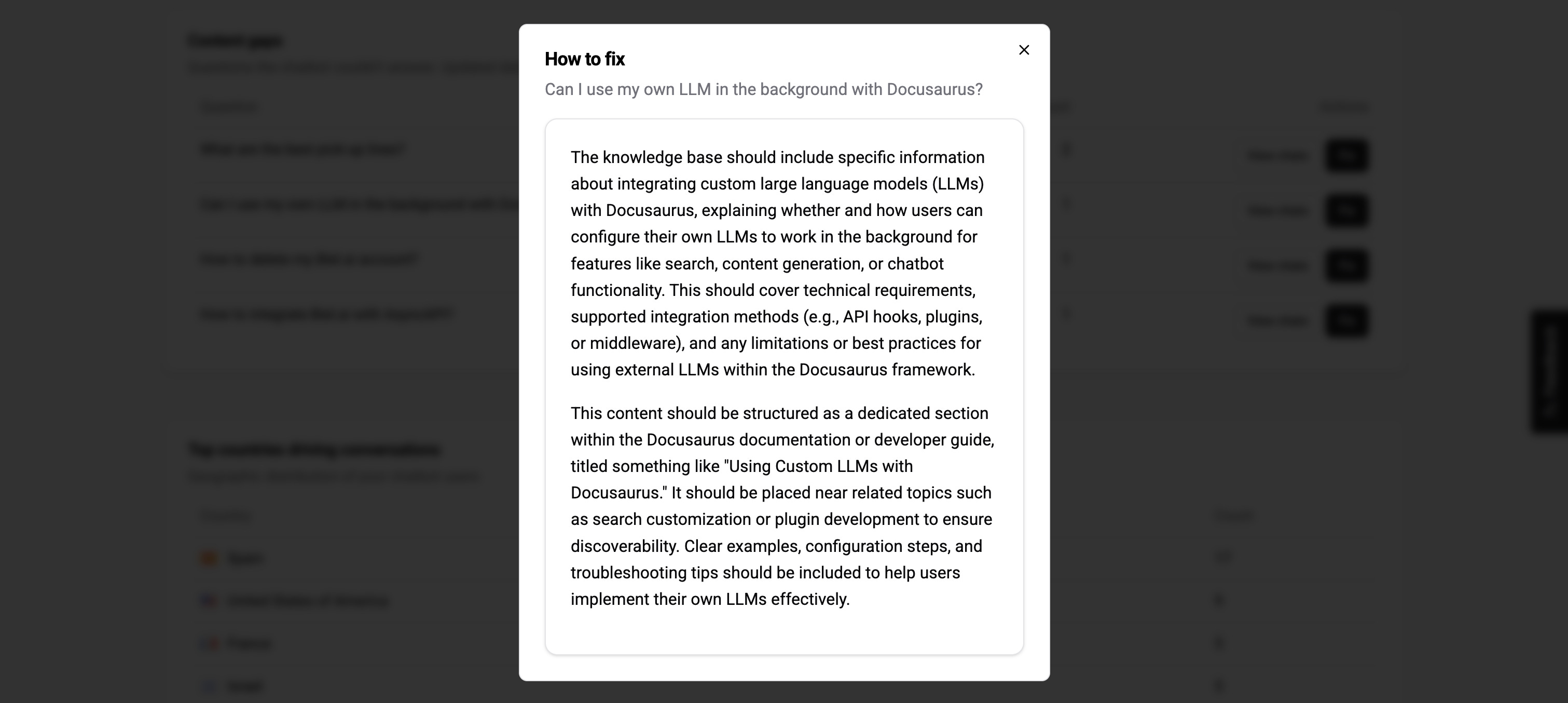
The best tools help you close those gaps with clear guidance on where to start.
Start here
Next time you look at your docs, don’t ask “did we cover everything?”
Ask “what are users still asking, and why?”
The answer will show you exactly what needs to change.