


Screenshot maintenance is a mess in most documentation projects.
Someone captures a screenshot, edits it with the OS image editor, and adds it to the docs. Three months later the UI changes. Nobody can find the original, nobody knows how it was edited, and someone creates a new screenshot that looks nothing like the rest.
Designers don’t work this way. Neither should you.
Use a design tool
Stop editing screenshots in your OS image editor. Use Figma or Draw.io instead, and create one canvas per documentation page. All your screenshots live in one place, with consistent sizes and styles.
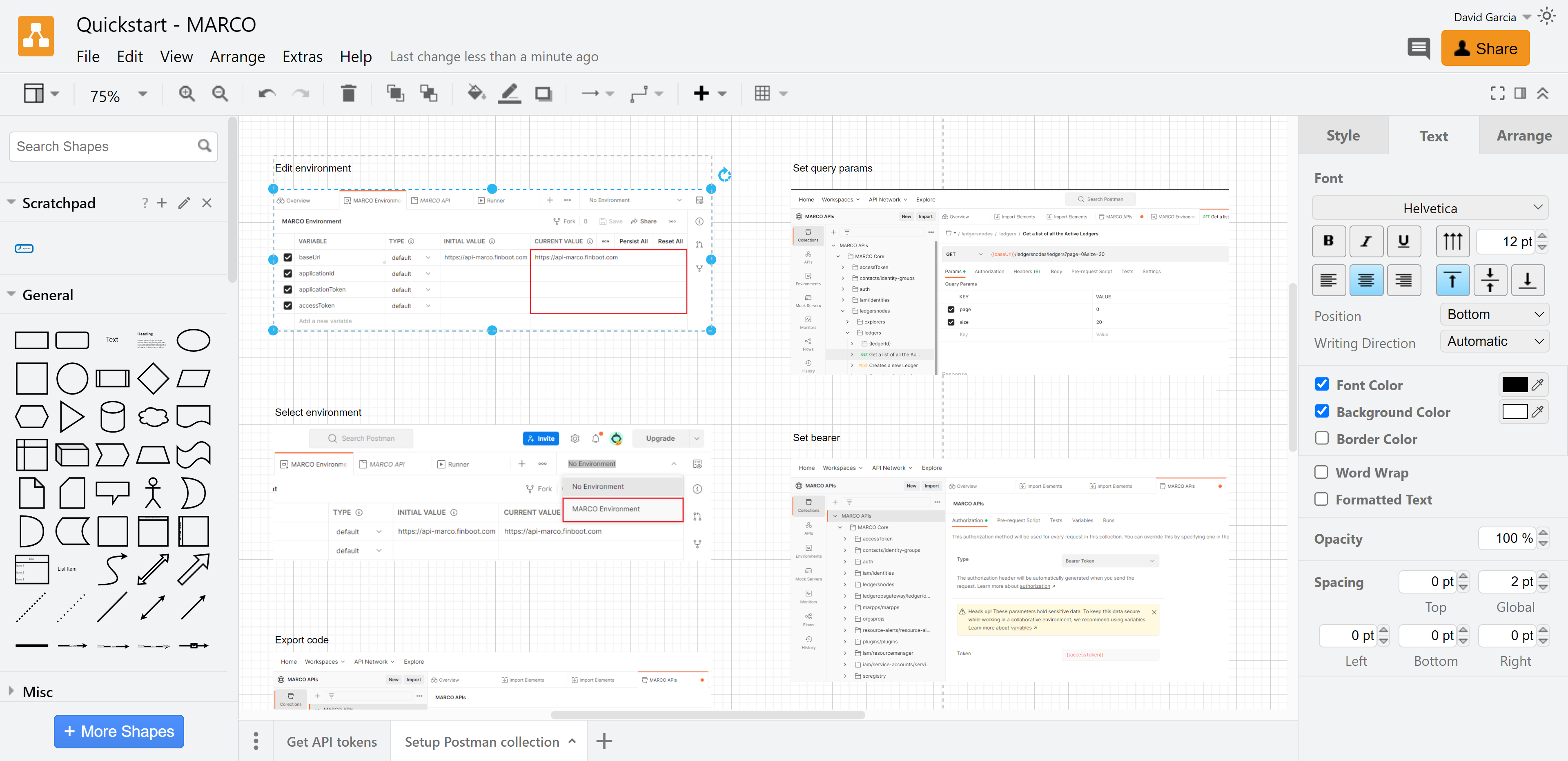
When you need to export, you choose the format and resolution. When the UI changes, you know exactly where to find the source file and what to update.
Build a reusable library
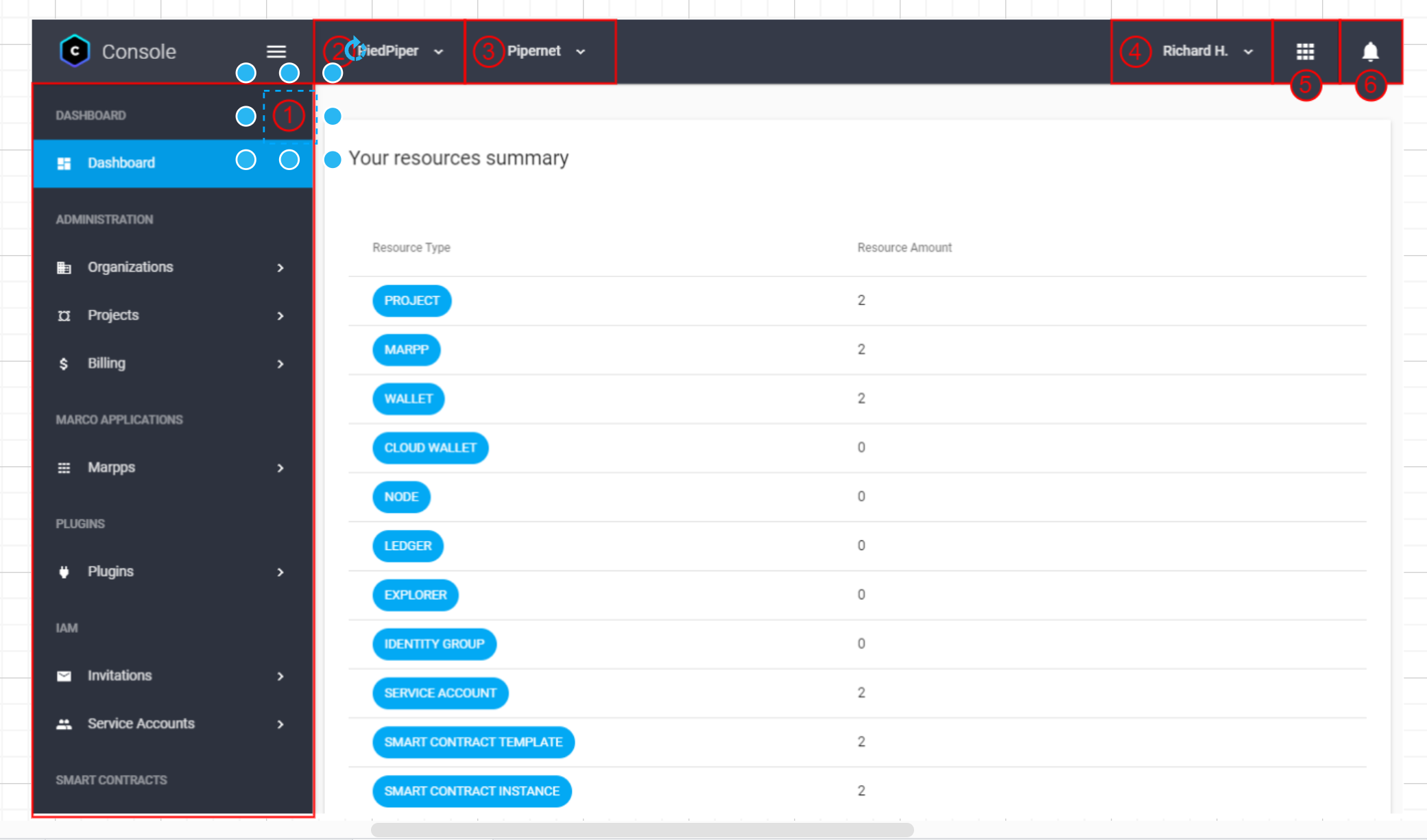
Create components you use across all screenshots:
Highlight boxes (consistent color and style)
Arrows pointing to UI elements
Step numbers for tutorials
Blur overlays for sensitive data
When a screenshot goes out of date, replace the base image and reuse your existing highlights and arrows instead of recreating everything from scratch.
Store editable versions with your docs
Put the editable files (.fig, .drawio) in your documentation repository.
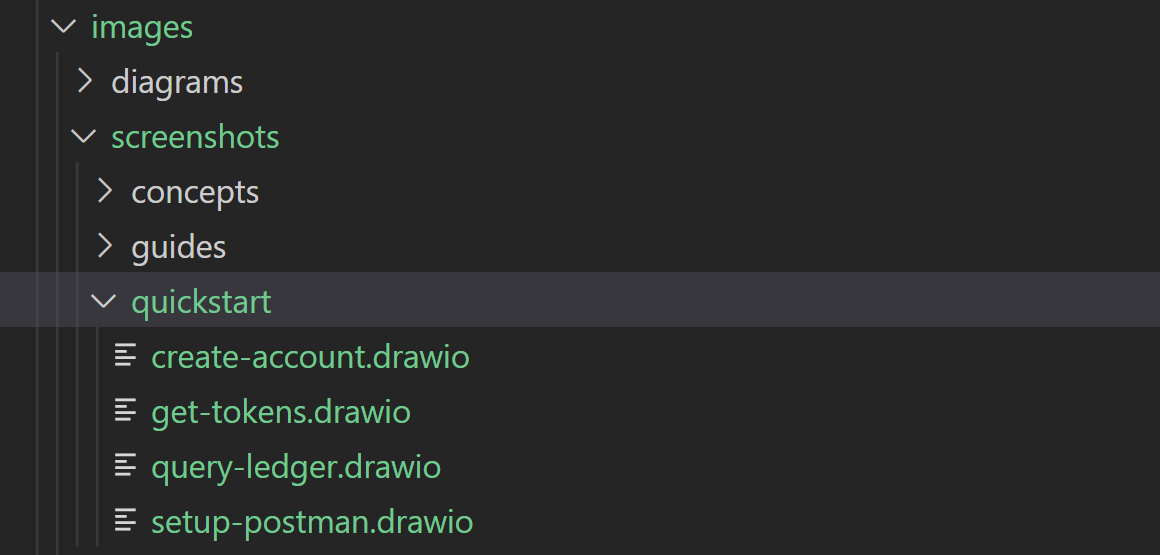
When someone needs to update a screenshot six months from now, they can. They’re not starting from scratch or guessing how you created the original.
This won’t stop screenshots from going stale
Nothing does. But it makes updates faster. Your future self, or your teammate, opens the design file, swaps the screenshot, and exports.
The consistency is a bonus. When every screenshot uses the same highlight color and arrow style, your documentation looks professional instead of cobbled together.
Treat screenshots like design assets, not disposable images.